Modern Design & Grid Layout
Elegant dark mode interface displaying high-resolution movie posters and crisp network logos.



Learn how to install and set up Purple IPTV with your Tvsmarte subscription. Featuring a sleek, next-generation UI available across all platforms, Purple IPTV delivers fast channel zapping, multi-screen streaming, and flawless sync for your 4K bouquets and VOD libraries using the Xtream Codes API.
A polished, modern interface designed across all platforms and optimized for high-definition streaming.
Elegant dark mode interface displaying high-resolution movie posters and crisp network logos.
Manage multiple profiles with independent favorites lists and personalized parental controls.
Stream multiple sporting events side-by-side and catch up on missed broadcasts up to 7 days back.
Urmează fiecare pas detaliat de mai jos pentru a configura fluxurile Tvsmarte în Purple IPTV.
When launching Purple IPTV for the first time, select the layout optimized for your device: choose 'TV' for Smart TVs, Android TV, and Fire Stick, or 'Mobile' for smartphones and tablets.
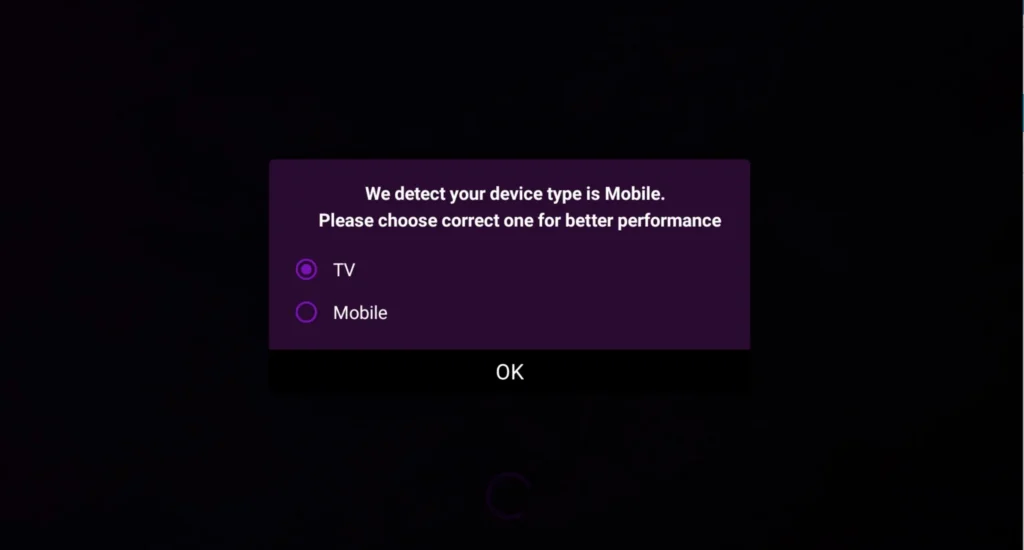
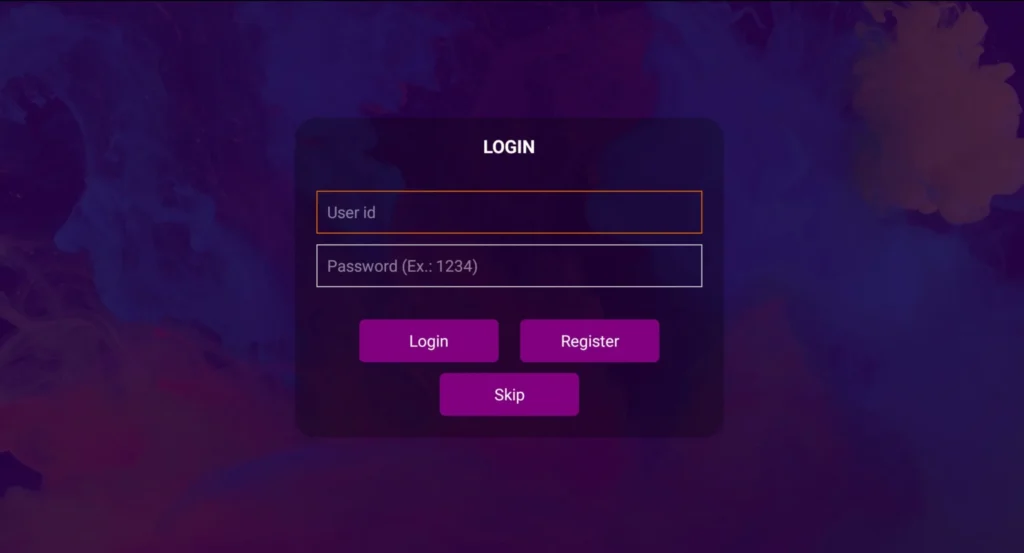
On the login screen, choose 'Login with Xtream Code API' for seamless integration with Tvsmarte. You can also select 'Add Playlist' if you are using an M3U file or URL.
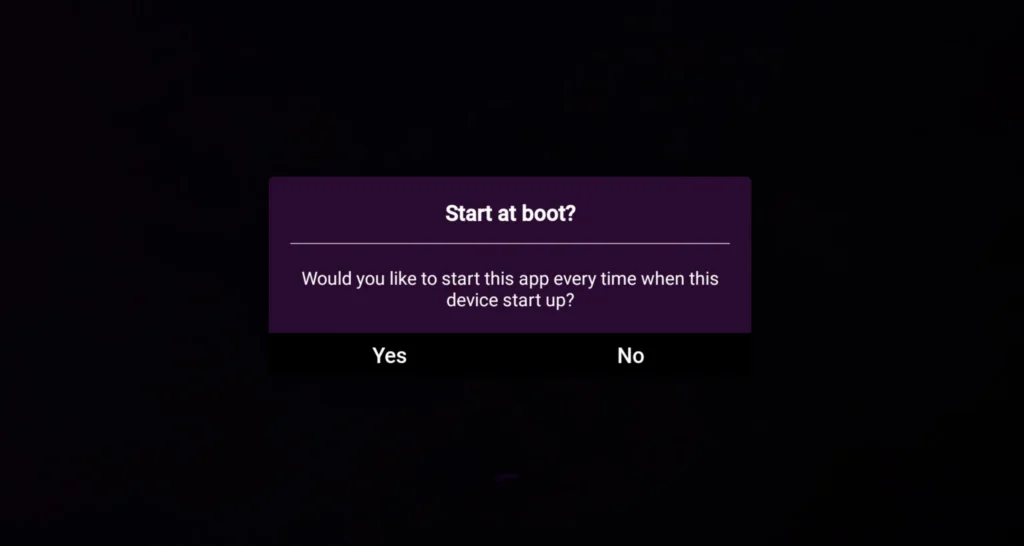
Fill in the required fields: name your account (e.g., 'Tvsmarte'), enter your username, password, and the server URL provided by our team. Click 'Login' to connect.
Purple IPTV connects to our Anti-Freeze™ 9.3 infrastructure and automatically downloads live channels, movies, series, and electronic program guide (EPG) data.
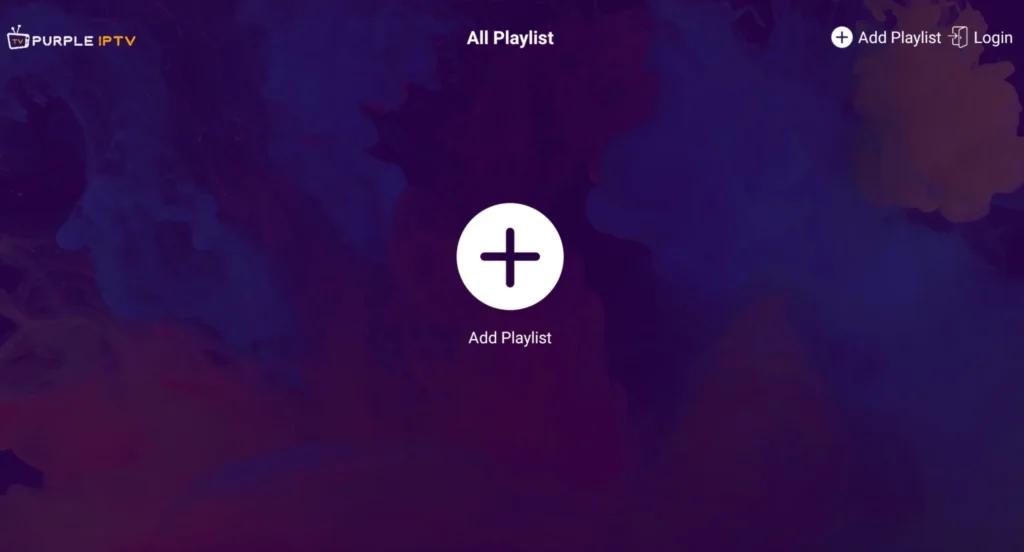
Once the download completes, you will reach the home dashboard featuring quick shortcuts to Live TV, Movies, Series, and Live with EPG.
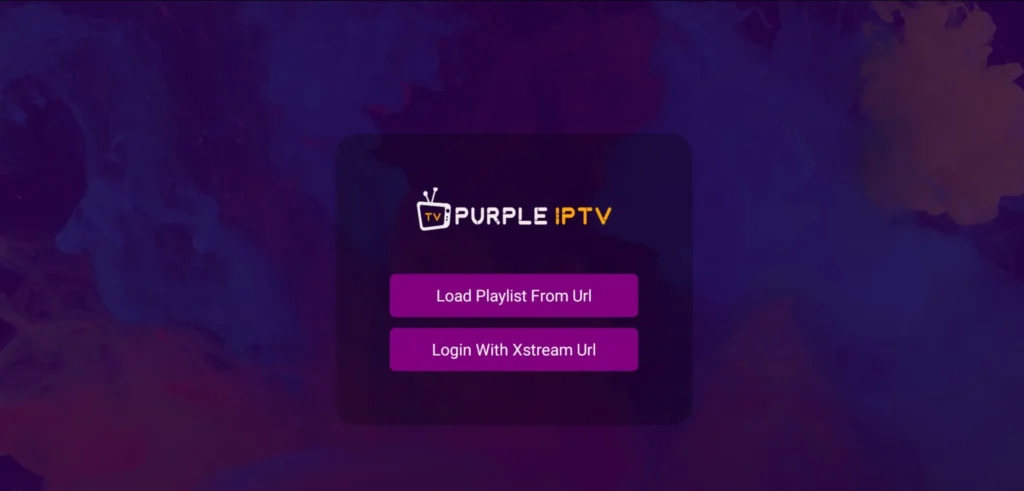
Enter the Live TV section to browse Tvsmarte channel bouquets organized by country and category (4K Sports, Entertainment, Premium networks).
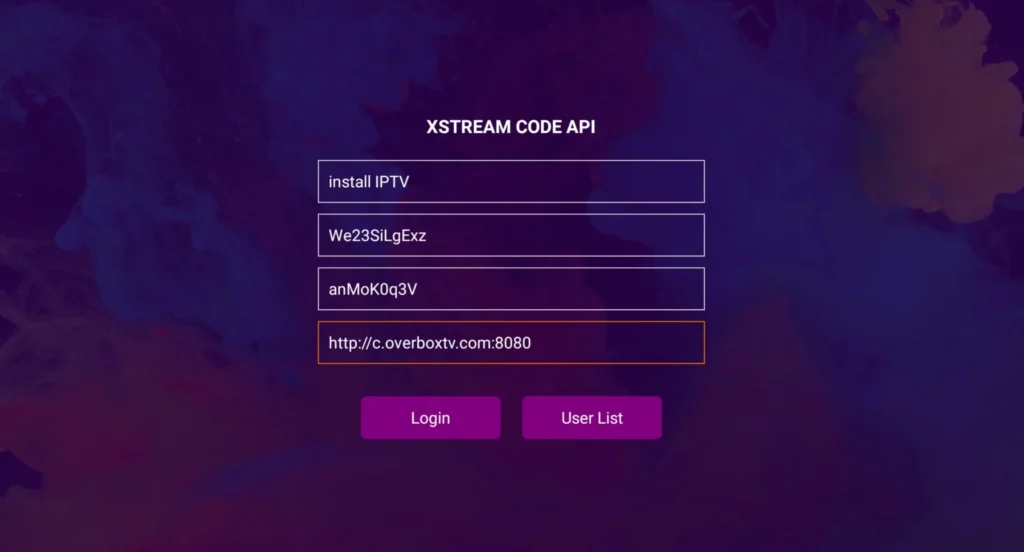
The built-in video player includes an on-screen menu to switch audio language tracks, toggle subtitles, or switch the internal rendering engine to ExoPlayer.
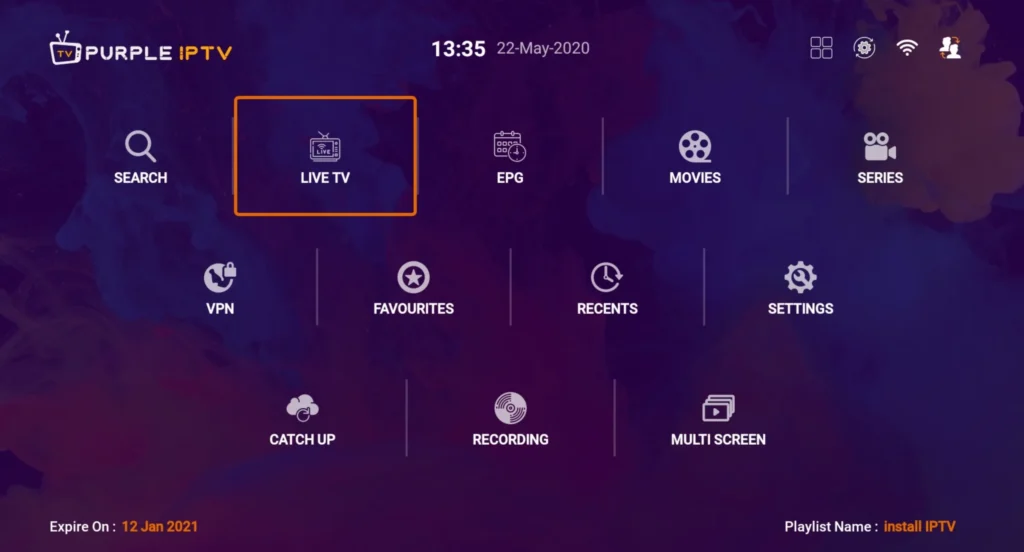
Switch over to the EPG view to browse complete live programming schedules in real time and schedule reminders for upcoming games or shows.
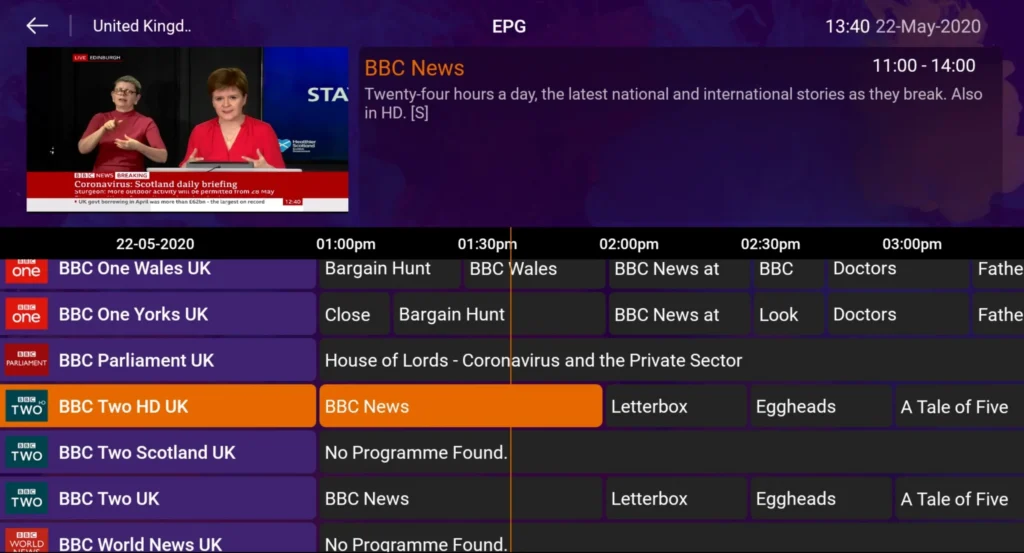
Soluții rapide verificate de echipa noastră pentru problemele frecvente pe Purple IPTV.
Double-check your username, password case-sensitivity, and server URL. Make sure the server URL does not include a trailing slash ('/') unless specifically instructed.
In Purple IPTV settings, open 'Player Settings' and select 'Hardware Decoder' or 'ExoPlayer' to harness your TV's graphic processor.
Open the application settings and click 'Refresh EPG' to update the latest XMLTV schedules from our servers.
Tot ce trebuie să știi despre folosirea Purple IPTV cu abonamentul tău.
The app includes a fully functional free edition. A paid Pro version removes advertisements and unlocks multi-screen viewing.
Yes, Purple IPTV is officially available in the Amazon Appstore for Fire TV Stick and Fire TV Cube.
Yes, you can secure any sensitive category (such as adult content) behind a 4-digit security PIN.
Primește datele Xtream Codes și linkul M3U în mai puțin de 5 minute prin email și WhatsApp. Testează fără risc cu garanția noastră de rambursare de 24 de ore.