Native tvOS & iOS Design
Ultra-smooth navigation with the Siri Remote, high-resolution movie posters, and integrated trailers.



Installation and user guide for iPlayTV with Tvsmarte on Apple TV (tvOS) and iPhone/iPad. Enjoy a sleek Apple-inspired interface featuring iCloud sync, modern EPG guide, and 4K HDR playback.
The ultimate premium experience for Apple TV 4K and iOS device users.
Ultra-smooth navigation with the Siri Remote, high-resolution movie posters, and integrated trailers.
Your Tvsmarte playlists, favorite channels, and viewing history sync automatically across Apple TV and iPhone.
Harness the full power of the Apple Bionic chip to decode 4K HEVC streams at 60 FPS without stutter.
Urmează fiecare pas detaliat de mai jos pentru a configura fluxurile Tvsmarte în iPlayTV.
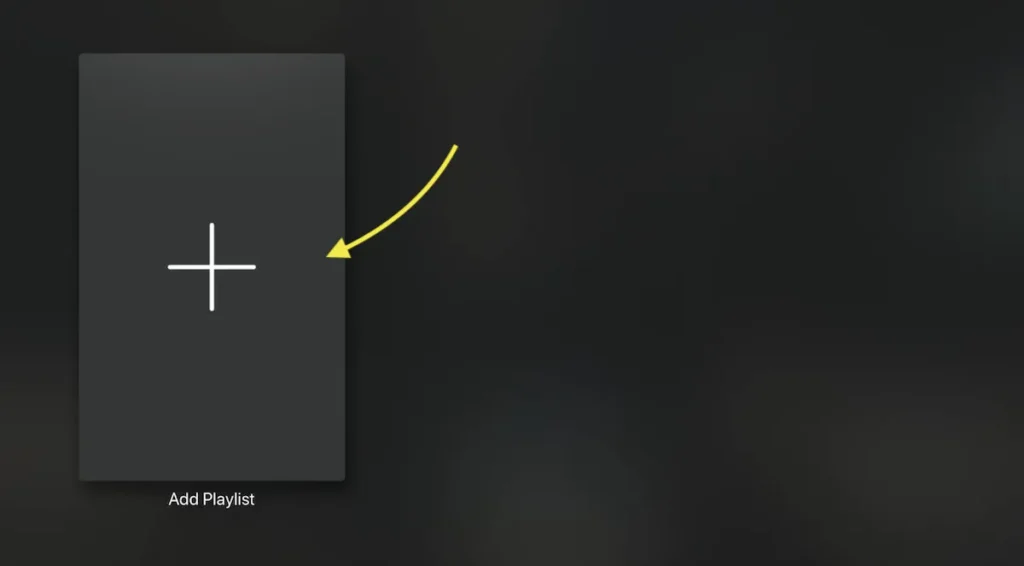
Download and open iPlayTV on your Apple TV or iPad. On the home screen, click the 'Add Playlist' button.
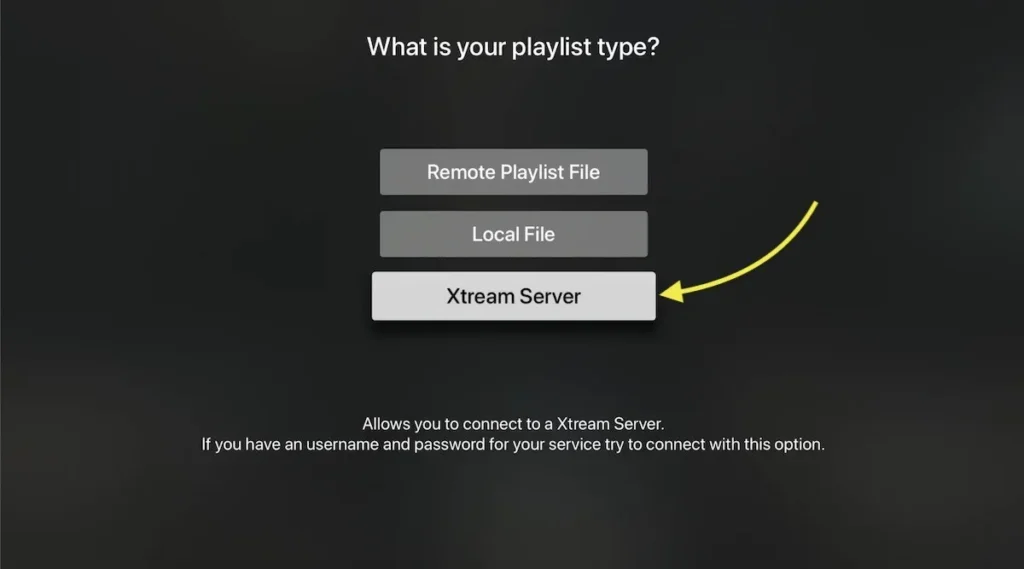
From the list of available playlist sources, select 'Xtream Codes Server'. This is the most reliable and efficient protocol for synchronizing your Tvsmarte channels.
Enter 'Tvsmarte' as the name, along with the full server URL, your username, and your password provided with your subscription.
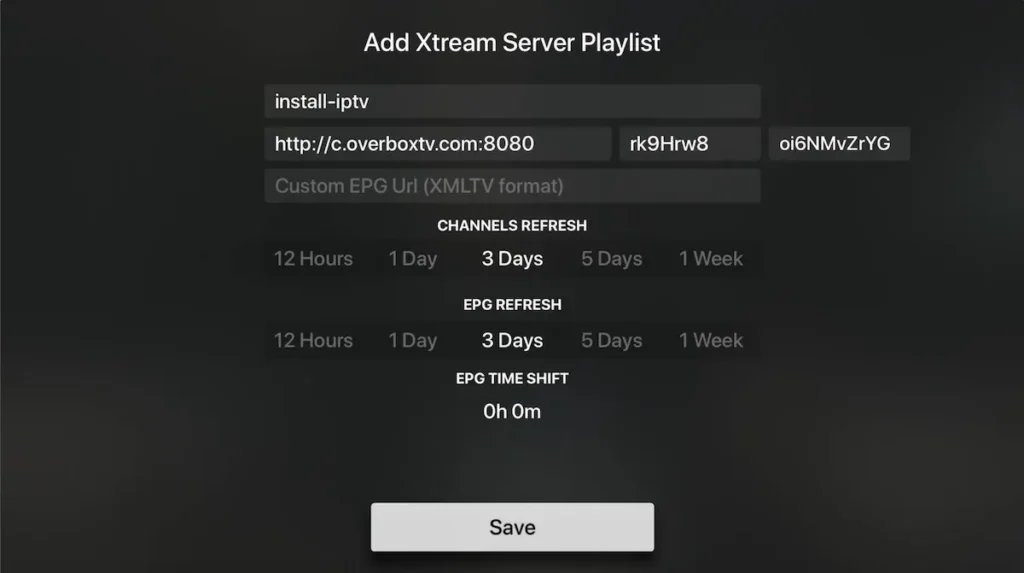
Make sure the automatic EPG guide synchronization checkbox is enabled to enjoy real-time broadcast schedules.
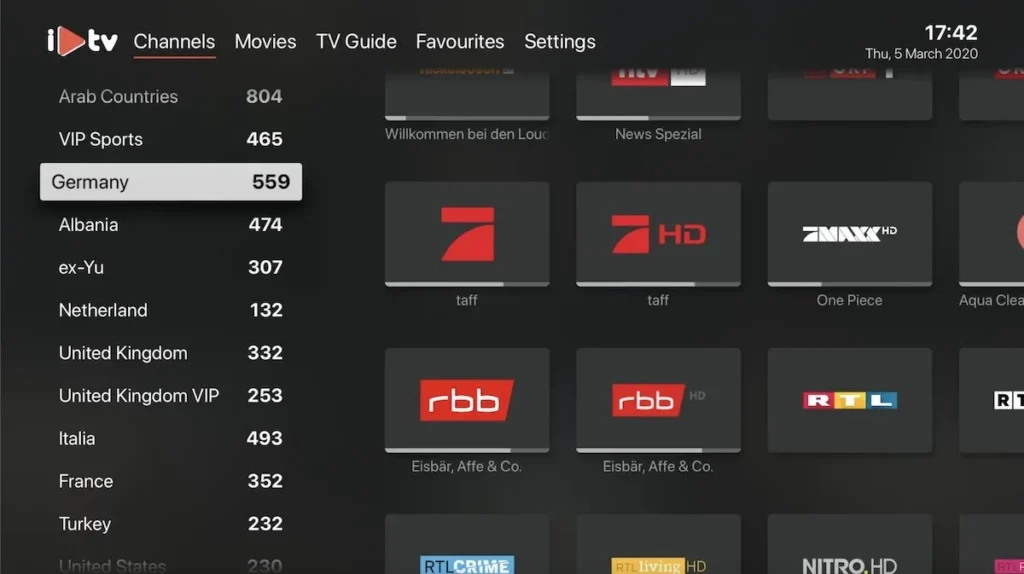
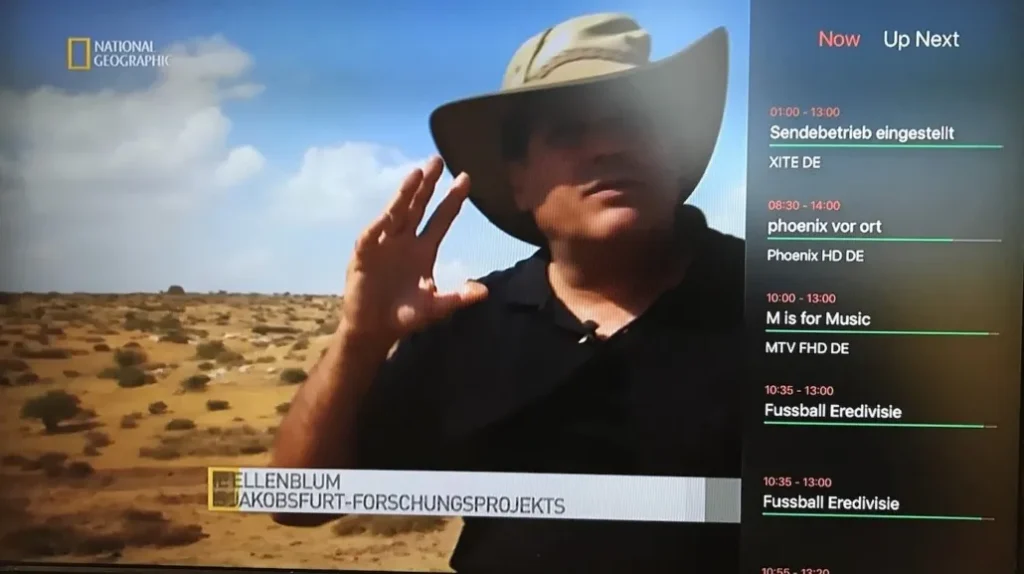
Once synchronization finishes, browse your bouquets organized by theme with live previews of selected channels and current show details.

Launch your favorite channel in full-screen. Swipe down on your Siri Remote to switch channels or adjust audio tracks and subtitles.
Soluții rapide verificate de echipa noastră pentru problemele frecvente pe iPlayTV.
Ensure the server URL begins with http:// and includes the exact port number. Check that your Apple TV is connected to the internet.
In the playlist settings within iPlayTV, click 'Force EPG Reload' to refresh broadcast metadata.
Hold down the select button on any channel in the list, then tap 'Add to Favorites' to add it to your custom bouquet.
Tot ce trebuie să știi despre folosirea iPlayTV cu abonamentul tău.
iPlayTV is available on the App Store as a one-time purchase (around $6 to $7 depending on region), with no recurring subscription fees for the application itself.
No, iPlayTV is exclusively developed for the Apple ecosystem (tvOS and iOS). For Android, consider TiviMate or IPTV Smarters Pro.
Yes, on channels that offer Catch-Up support, iPlayTV allows you to rewind and replay shows directly from the EPG schedule.
Primește datele Xtream Codes și linkul M3U în mai puțin de 5 minute prin email și WhatsApp. Testează fără risc cu garanția noastră de rambursare de 24 de ore.